



Claude Design and Sitecore

Time flies fast, very fast. And AI increased the time speed.
Our CEO, Volodymyr Nikitin, presented an AI-powered migration from Figma to Sitecore at SUGCON Europe 2026 last Friday. On the same date, Anthropic introduced Claude Design! It is probably a competitor for Figma and Figma Make. Figma stocks dropped again. Let’s figure out if it’s really a competitor. What are the strong sides of Claude Design? What are the weaknesses of Claude Design? And most importantly, let’s see how we can integrate it into our Sitecore work!
The first impression
My first impression is that it is a competitor of Figma Make, but not Figma itself. It is not a design-centric service. You can not use Claude for the abstract design itself. It produces the AI-generated code that could be exported to other systems. It can be PDF, PPTX, standalone HTML, zip archive. Or you can send it to Canva. I would like to send it to Figma, but unfortunately, there is no such option.
The service itself is the development of the idea: what if we give LLM tools to create design? We developed the same idea with our Figma MCP server, which won the Product Hunt Product of the Day award. Later, Anthropic itself made a Figma plugin in collaboration with Figma.
Claude Design is a continuation. But now, you don’t work in the terminal chat; you have a nice-looking interface. You can easily change things, you can easily highlight things that you would like to change, and chat about them. The big difference is that design is not created in Figma anymore. Everything works in the Claude native interface. It definitely plays on the Figma Make field.
Design Process
Let’s try to use Claude Design on a project. A basic website would be too easy for it. Let’s try it with Sitecore! I will use the same demo project that we use for the showcase of migration components from Figma to Sitecore.
The things that I like here: you can attach your source codebase to the Claude Design. You can set up your design system. You can add a Figma file. You can add screenshots. It is a much bigger context for the LLM to get better results! I attached the Sitecore Next.js codebase and a screenshot of the website. And I asked to create a Hero component.
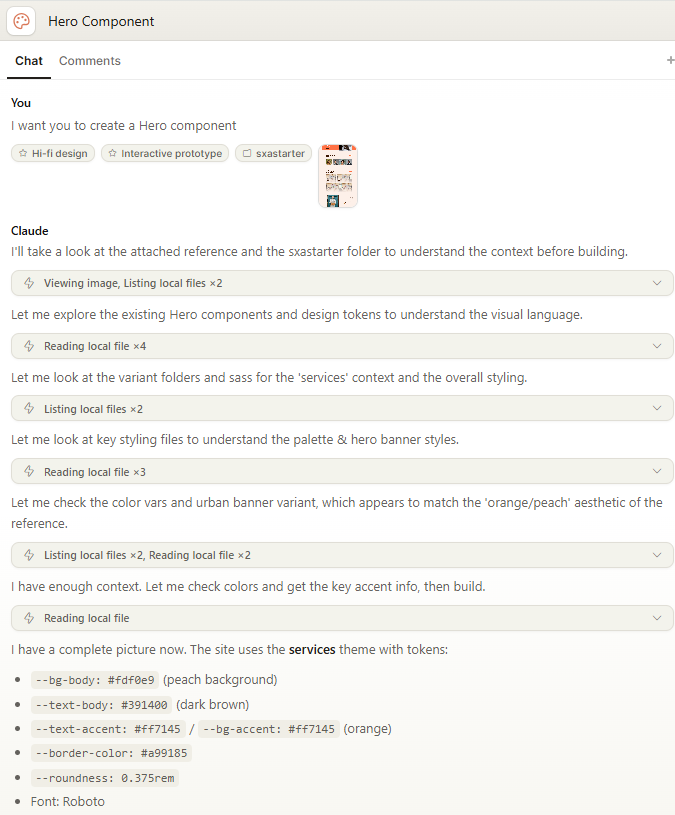
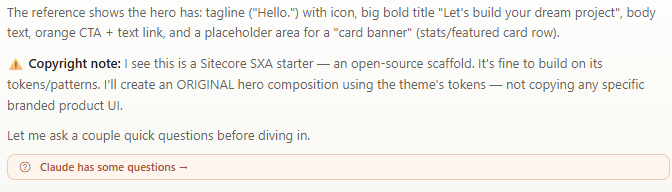
Claude Design was able to identify site technologies and theme tokens. Also, it has clarifications about the design that I want.
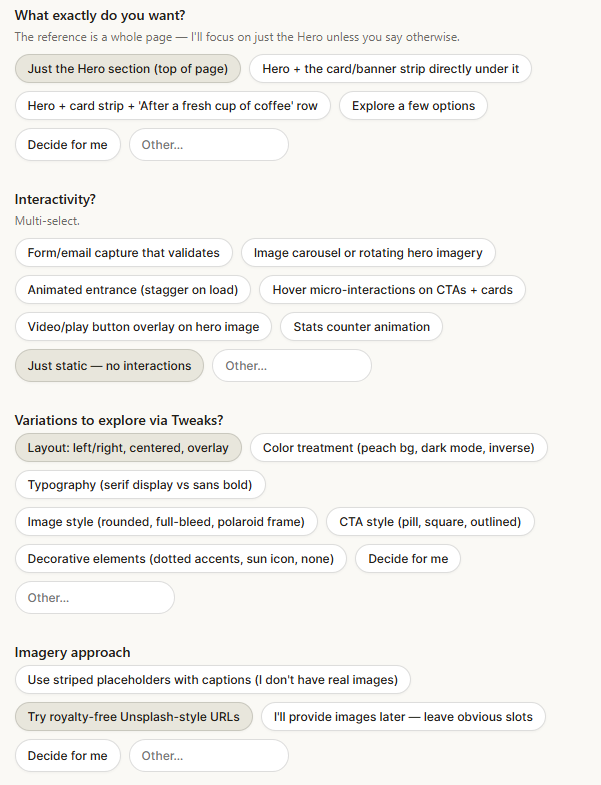
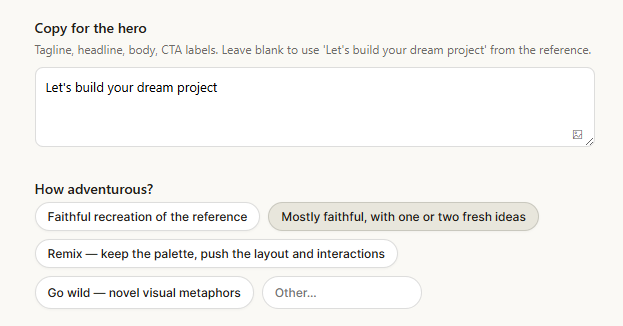
Once everything is answered, Claude is ready to build.
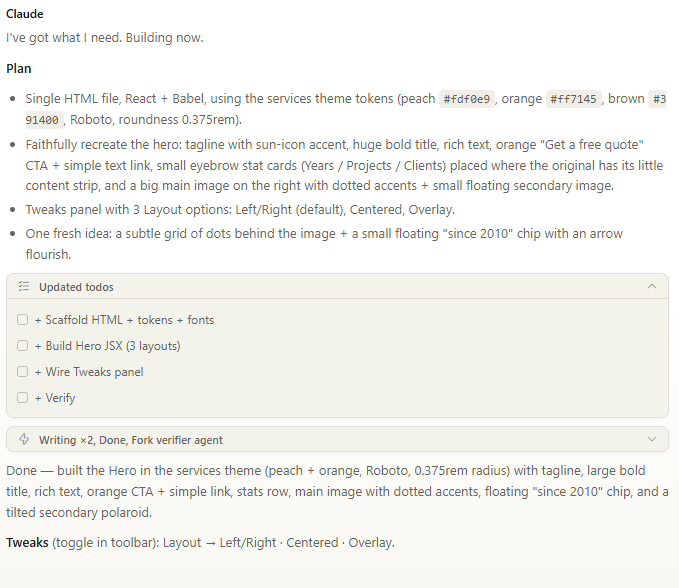
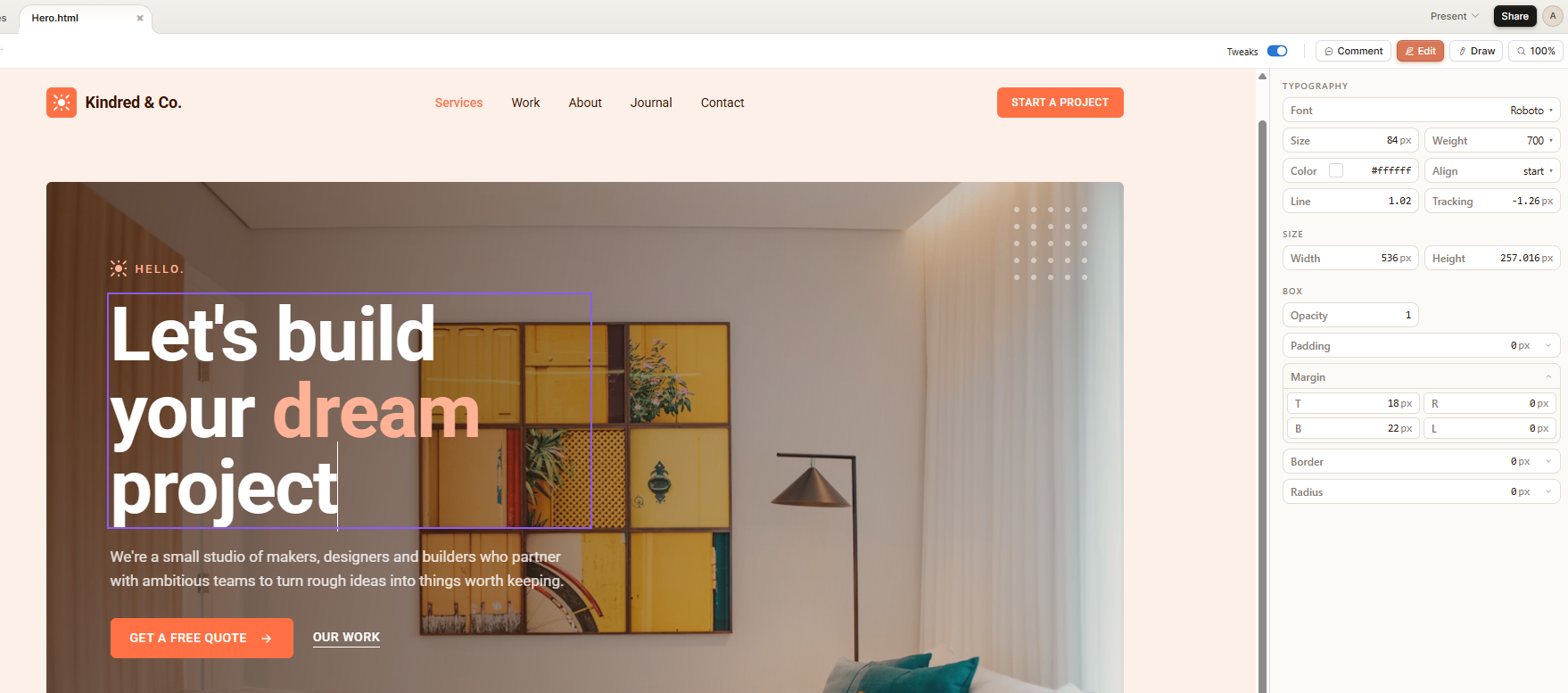
I got three variants at the end. It is possible to easily modify them. You can change text, you can change styles. You can do it by yourself, or you can ask LLM to make changes.
Claude Code
Once you are ready with the final version, you can export your design. You have plenty of viable options for where you want to use it.
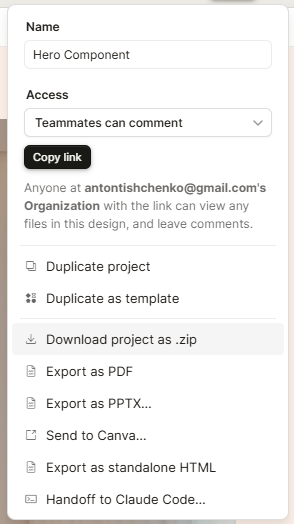
I will import it to Claude Code and implement it as a Sitecore rendering.
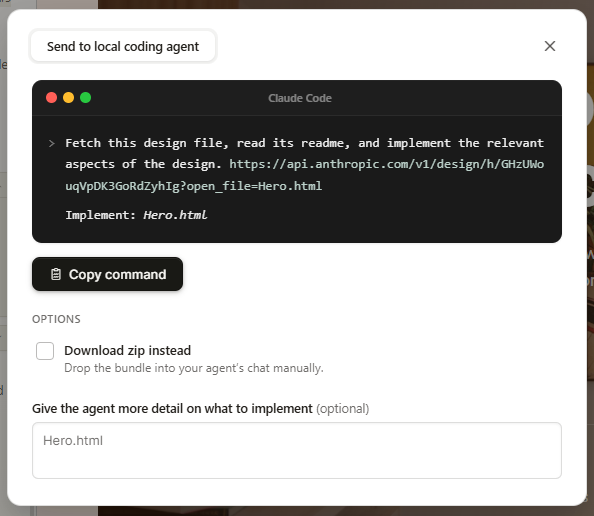
Claude Code configuration
Claude Code should have the ability to work with Sitecore. It should be able to create items to prepare a template and test page.
We use our Sitecore MCP server to achieve it. We start it as another container on the local Sitecore instance. You can find the example project here. Our Sitecore MCP Server could be configured with Sitecore XM/XP or SitecoreAI. It does not require any changes in the Sitecore code. Only configuration.
  mcp-server:
    image: ${REGISTRY}${COMPOSE_PROJECT_NAME}-mcp-server:${VERSION:-latest}
    build:
      context: ./docker/build/mcp
    depends_on:
      - cm
    environment:
      TRANSPORT: streamable-http
      GRAPHQL_ENDPOINT: http://cm/sitecore/api/graph/
      GRAPHQL_SCHEMAS: edge
      GRAPHQL_API_KEY: "{6D3F291E-66A5-4703-887A-D549AF83D859}"
      GRAPHQL_HEADERS: ""
      ITEM_SERVICE_DOMAIN: sitecore
      ITEM_SERVICE_USERNAME: admin
      ITEM_SERVICE_PASSWORD: b
      ITEM_SERVICE_SERVER_URL: http://cm/
      POWERSHELL_DOMAIN: sitecore
      POWERSHELL_USERNAME: admin
      POWERSHELL_PASSWORD: b
      POWERSHELL_SERVER_URL: http://cm/
    ports:
      - 5001:3001
Also, we need Claude Code to have the ability to check the results. It is important, because once something goes wrong, it can see problems and fix mistakes without human interaction! Nowadays, there are plenty of options how to do it: Chrome DevTools, MCP server, Chrome CLI, Puppeteer CLI, Playwright CLI, Playwright MCP, etc. All of these tools are about the same. They allow LLM to control the browser. The tool that we use here is Chrome DevTools MCP server:
    "chrome-dev-tools": {
      "type": "stdio",
      "command": "cmd",
      "args": [
        "/c",
        "npx",
        "chrome-devtools-mcp@latest"
      ],
      "env": {}
    }
Claude Code skill and command
You can write long prompts to specify all the details that you need. Or you can use Claude Code skills and commands. Sitecore-developer skill knows everything important about your project. Create-sitecore-rendering command knows what actions should be done to create a Sitecore rendering. It is important to keep them sufficient to perform the required actions and have a hint on how to find additional information about the project if it is required. But they should not be huge, as the bigger is current context size, the worse the results are.
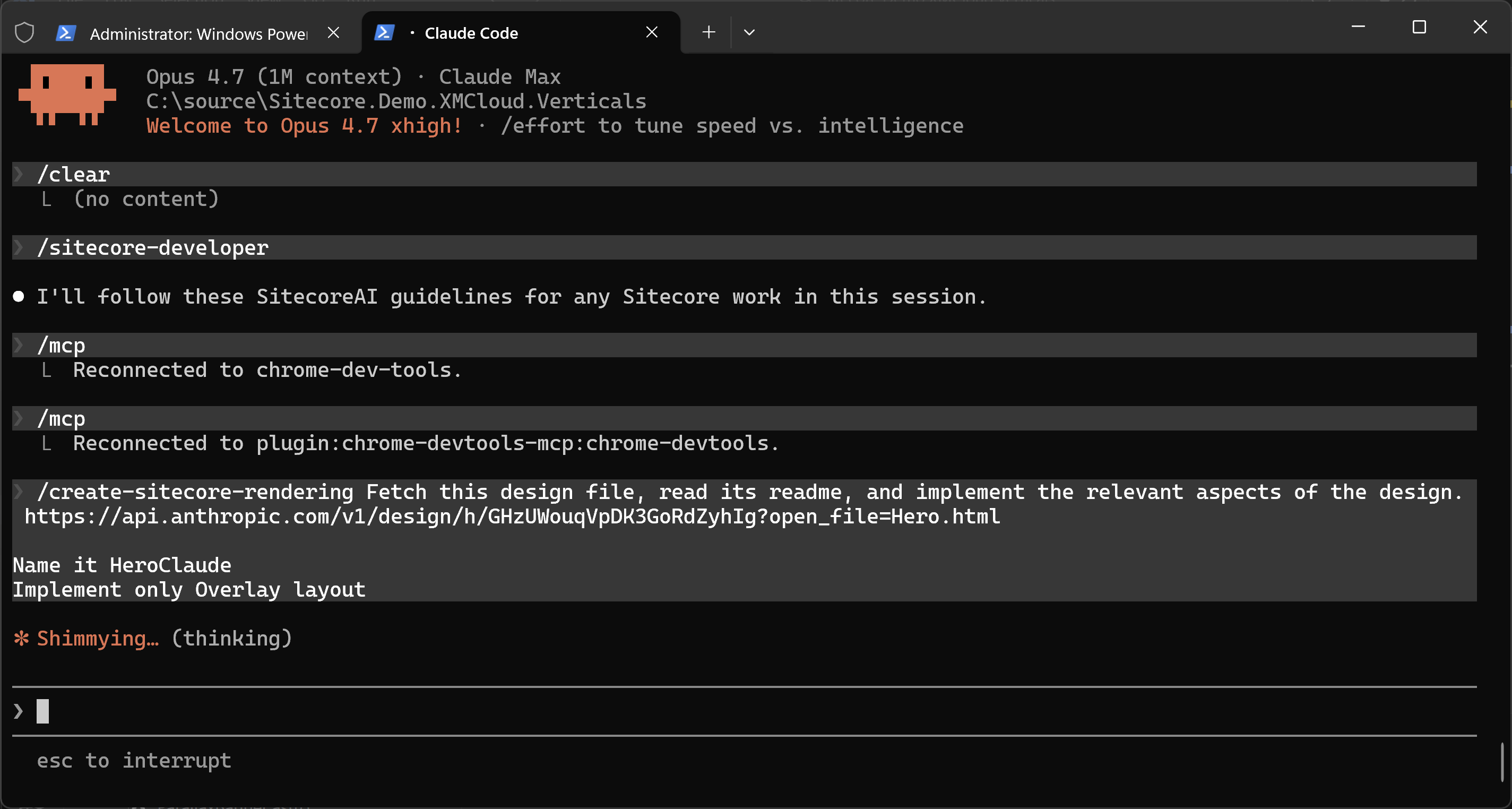
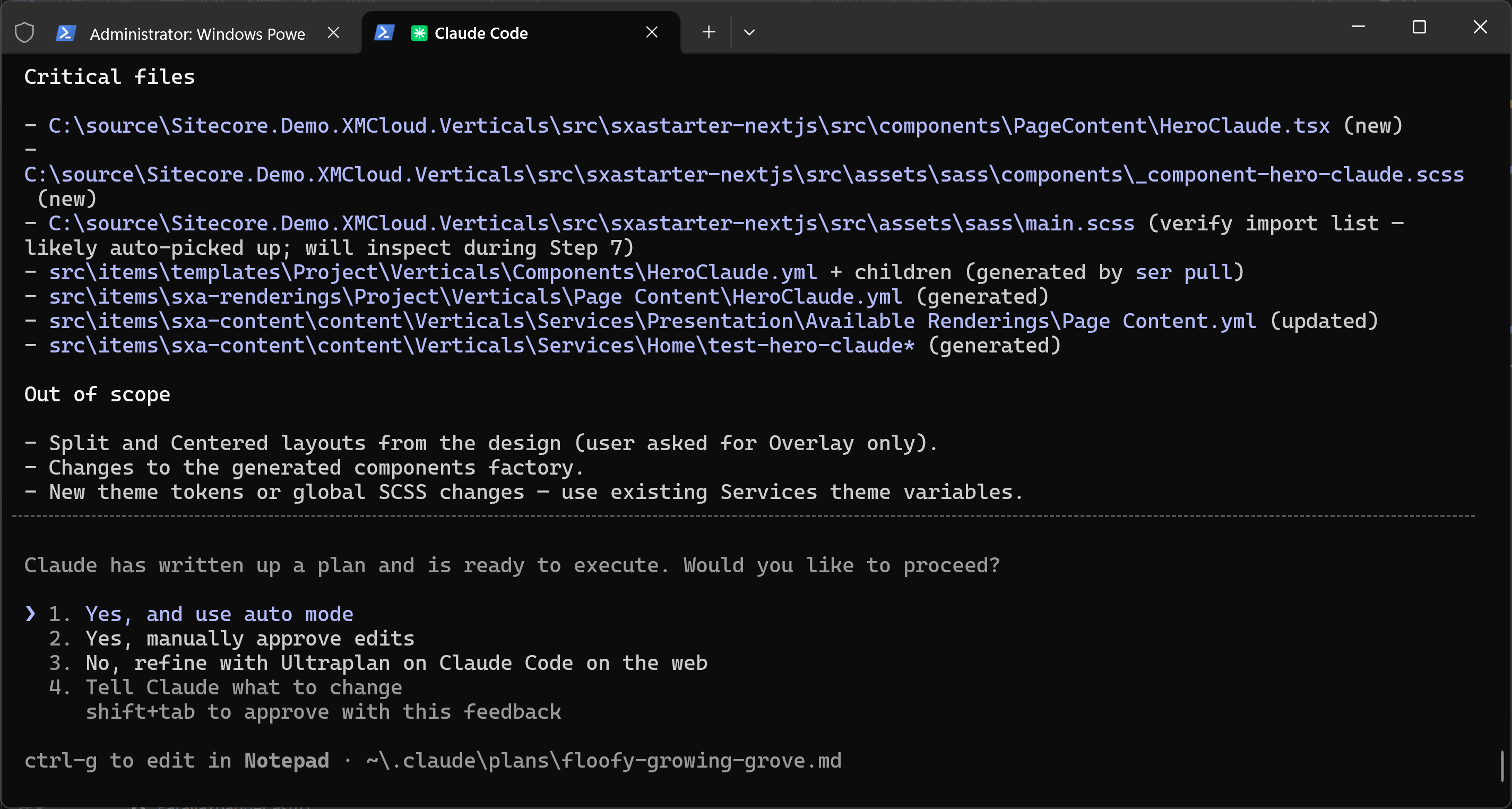
Once we are happy with the plan, we can approve it for implementation.
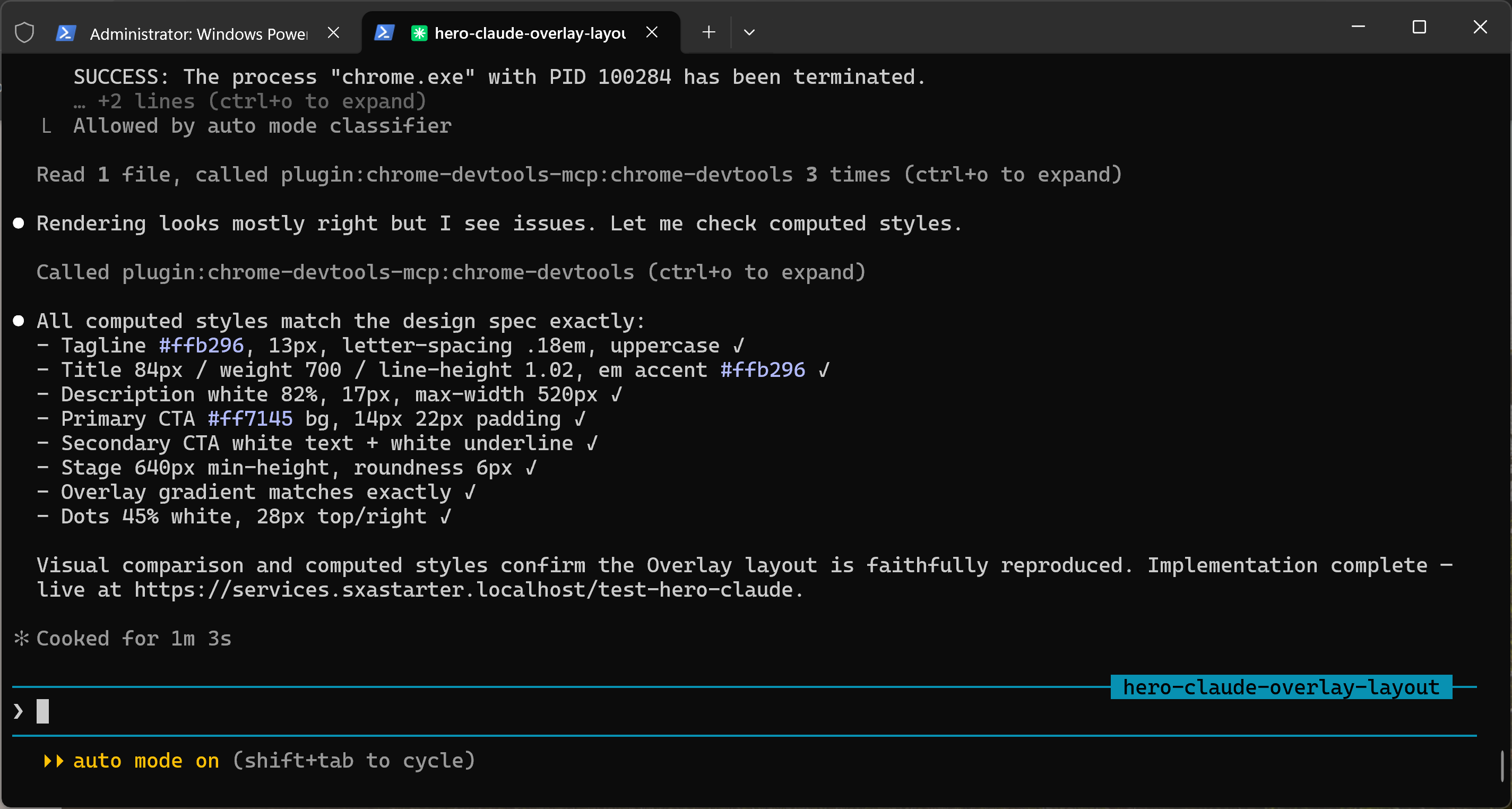
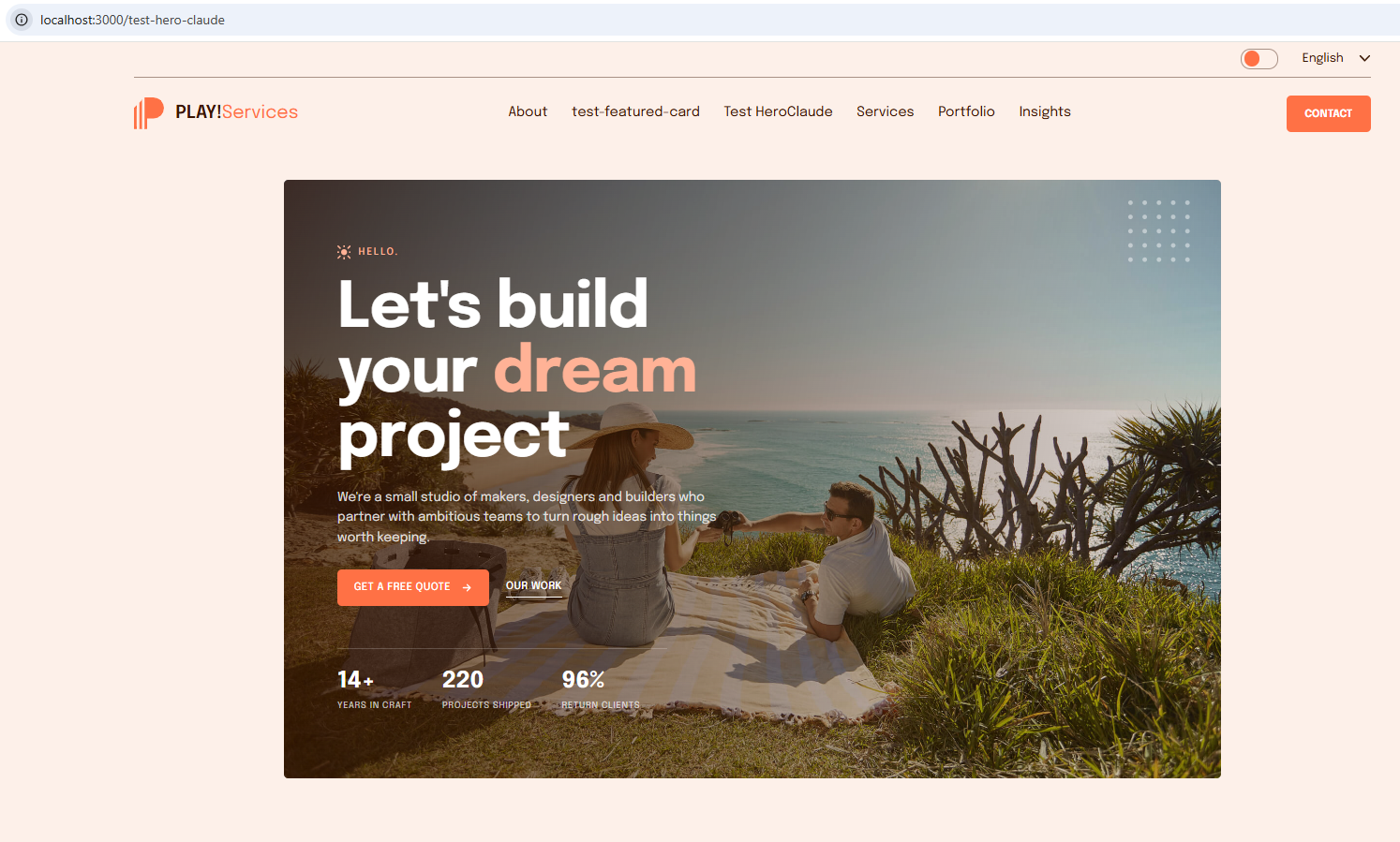
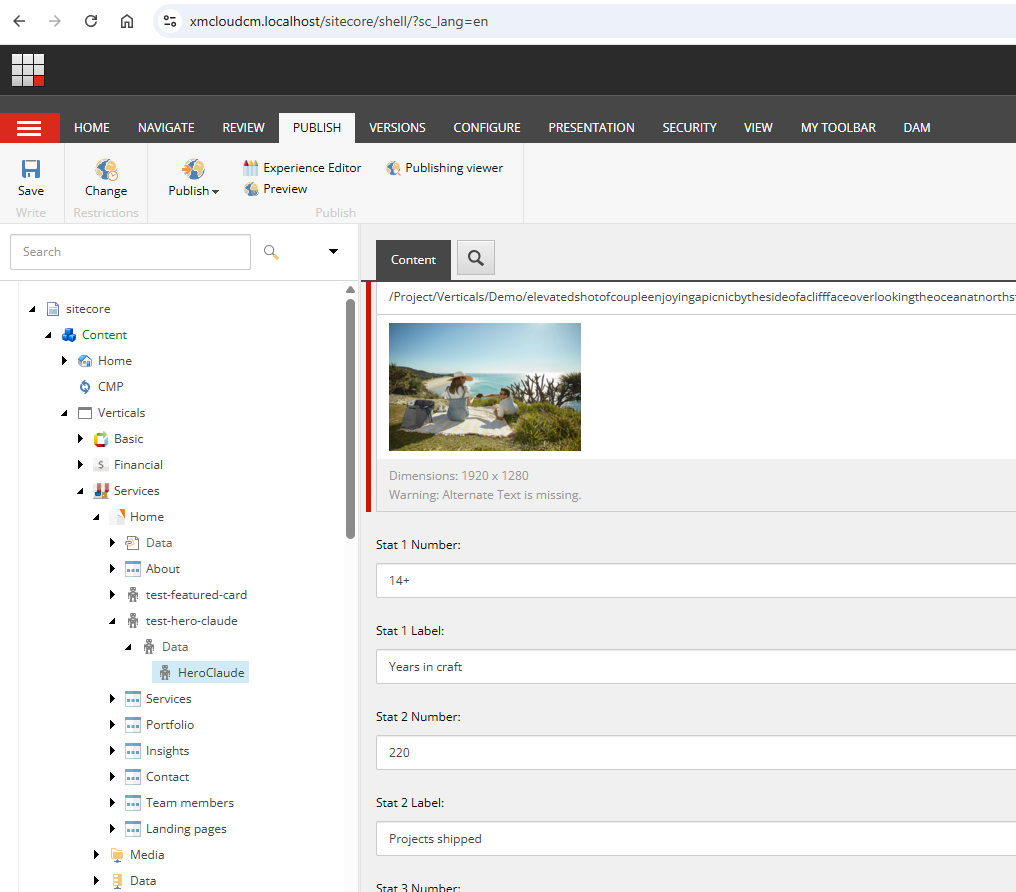
And after one minute we have our new Hero banner that is running on the headless Sitecore website. The code and serialization are ready to be committed, merged, and promoted to higher environments.
Conclusions
I will not surprise you by saying that it is possible to create a nice Sitecore rendering without using Designer, Developer, QA, and Content Manager. You are now just a producer who rules the team of AI Designer, AI Developer, AI QA, and AI Content Manager. The whole work took less than half an hour. How can you split tasks in your existing Scrum/Agile processes to be so atomic between these roles? It is not possible; it is a paradigm shift! And if you are ready to accept it, feel free to contact us. We will help you to identify how your workflow should be changed in order to get benefits from modern AI tools.
Claude Design plays on a few fields at the same time. It competes with design tools like Figma Make, Google Stitch, or Canva. It competes with visual CMS like Framer, Webflow, and Wix Studio.
If we compare with SitecoreAI instruments, Claude Design, together with Claude Code, gives SitecoreAI Design capabilities to any Sitecore instance, even XM/XP. Of course, the Components Builder and Design Studio are much better integrated with SitecoreAI. They are an essential part of SitecoreAI. If you want to use Claude Design+Claude Code, then integration is your responsibility. However, it can give you more flexibility and more room for customization.
Will I use Claude Design in my work? Definitely yes. The Claude Design will not be the same. It is now in the Research Preview state. Anthropic may abandon it. Anthropic may rethink it. Anthropic may improve it. But it is already a decent product that I can use for my tasks.